For my final project, I wanted to create a detailed 3D model of a car tunnel. One of the main goals of this project was to make the car tunnel look as realistic as possible.
Pre-Production and Storyboard
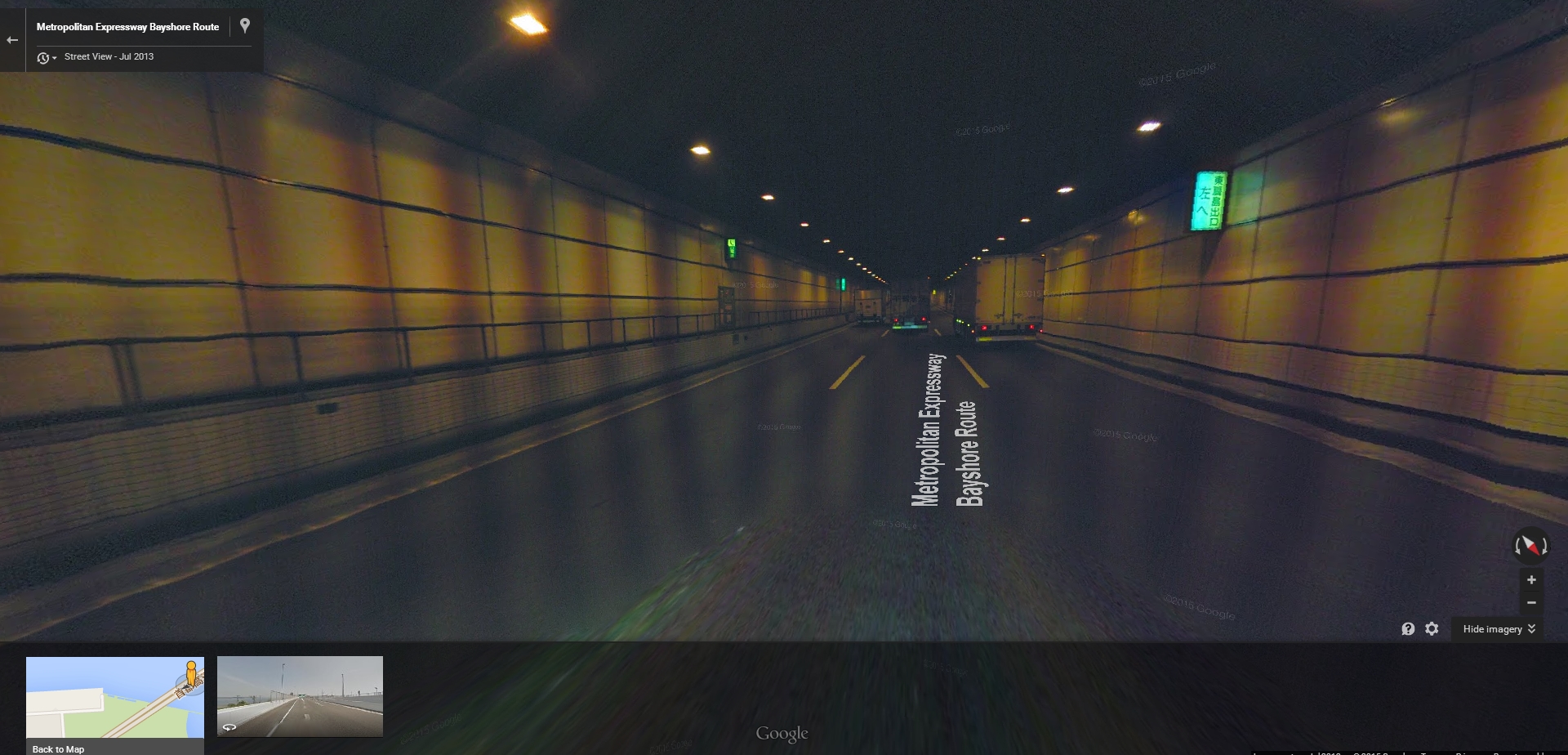
For my research, I looked at many different pictures of car tunnels to get a grasp of how a realistic one should look and feel. I also looked at the street views of car tunnels on Google Maps to make so I wasn't simply looking at polished photos. In addition, I also tried to look for car tunnels that were made in a 3D program to help me get an idea of my expectations/limitations.


After looking into different car tunnels, I drew up a storyboard for what my final project should include.
Though I realized that animating a car to go through the tunnel was a lot more work than I could do for my project, I tried to get as many details as possible. I wanted my car tunnel to feature a pathway to walk on the side, a place for an emergency phone/fire extinguisher, an emergency exit, and lights that accurately portray a real car tunnel.
Production
First, I created the overall structure of the tunnel. At first, I had a straight tunnel that lead into a curved tunnel. I created the straight tunnel with some NURBS cubes and created the curved tunnel by extruding a bunch of curves. Although I was able to lay out most of the parts in the curved tunnel, I realized later on that some parts were a bit too hard for me to create without some parts out of place. I looked into many tutorials about how to work with curves but I think I needed extra help to continue after a certain point.

I started creating the walking path on the side with NURBS cubes. I also made the staircase with NURBS cubes and made sure they were about an equal length in difference between each step. After that, I created the railings for the side of the walkway. These were made with many (many) NURBS cylinders. The tricky part with these was creating the railings that went down the stairs. Getting the right angle and size was difficult. In addition, I had to open part of the railing for the fire extinguisher. I also made sure I created small paths along the side of the road. These weren't exactly meant to be walked over, but I noticed many car tunnel images had these paths on the side.

After the walkway was created, I made the emergency exit and fire extinguisher. This was created using NURBS cubes and spheres. The sphere was cut in half similar to how the emergency lights were in Japan. The signs above them were also made with NURBS cubes.


After the all the solid parts of the tunnel were created, I started working with the lights. I felt that they were more important than the textures because of the overall atmosphere it created. I experimented with many different techniques, sizes, colors, and depths until I got a result I was satisfied with. This came with researching as many lighting styles as I could online.


In the end, I used many spotlights and area lights for the project. I gave them a slight orange tint and made sure they decayed in the right places. I had the lights arranged so that one of them was facing diagonally downward and another one was facing the opposite direction. This was done to make the light source look realistic. In addition, I had area lights facing upward to increase the amount of overall light in the top-half of the model.


As seen in the previous pictures, I also added lights to the fire extinguisher and signs. These lights were point lights that were placed inside the NURBS primitives. I made the texture of the primitives a bit transparent and added the point light to make the object look as though it was glowing.
When working with the textures, I used many images to create the environment I wanted. This step was actually easier than I thought. The only parts I needed to worry about was making sure the color fit well. I also had to angle each texture in the right way and manipulate the UV's to make sure the object didn't look too artificial. I think the hardest part was creating the working with the lights to make sure emergency signs looked realistic.


In the end, this is what the tunnel looked like.

Self-Evaluation
I think the biggest flaw of my project was that I was late. This project took much longer than expected, and I felt like I didn't have something that was presentable on the day of the final exam. I just didn't have enough to show, especially with the other final projects I had at the time. I also think I could have improved my project by having textures that I created by myself. Most of the textures were taken online. Though they weren't "perfect" for my project, I think I manipulated the images enough to make it work with what I had. I also could have improved the project by creating more realistic lights. I think the lighting itself is fine, but I didn't create a solid model for the actual light. Part of the reason why I didn't/couldn't do this was because of my lack of experience of working with lights inside objects.
But in overall, I think I did well on the project. I fleshed out many details to make the tunnel look as realistic as possible. I tried multiple lighting techniques to make sure I achieved the atmosphere I wanted. I went through many images to make sure my textures had the right color and design. In the end, I had about 171 different objects in my project.

References, Sources, Tutorials I used
https://www.youtube.com/watch?v=u5jQqsiUlHQ
http://web.cse.ohio-state.edu/~parent/classes/682/WI12/TechReports/lighting.pdf
http://buzzking.me/?p=486
https://www.youtube.com/watch?v=UIrwCTqKLvo
https://www.youtube.com/watch?v=P03lybXiYxo
http://help.autodesk.com/view/MAYAUL/2015/ENU/?guid=GUID-9E35F145-67E8-44A0-9EFB-E1959199010E

No comments:
Post a Comment